Change the SObject Type within a Phase
By default, MoveData extensions use a predefined Salesforce object type for each pipeline phase. You can override this to use a different object type — for example, replacing the default Campaign object with an Opportunity for fundraiser-level records.
The approach described here works in any phase, though this article uses the Campaign phase as a worked example.
Before you begin#
- You should be comfortable creating Salesforce flows (Setup > Process Automation > Flows).
- You need access to MoveData Pipeline metadata settings.
- Familiarise yourself with Pipeline overview.
How campaign hierarchy works by default#
MoveData creates a hierarchical set of campaign records based on the data in each notification:
- Campaign
- Team
- Fundraiser
- Team
This works for most organisations. However, you may need a different structure — for example, using Opportunity records for fundraiser-level campaigns instead of Campaign records.
Implementation#
Step 1 — Create an SObject flow#
Create a new Autolaunched Flow (No Trigger) from Setup > Process Automation > Flows.
The flow needs to evaluate which type of campaign is being processed and, when appropriate, override the SObject type and remap the associated metadata entries.
Evaluate the campaign type#
Add a decision element that checks the input-enabled Text variable Type:
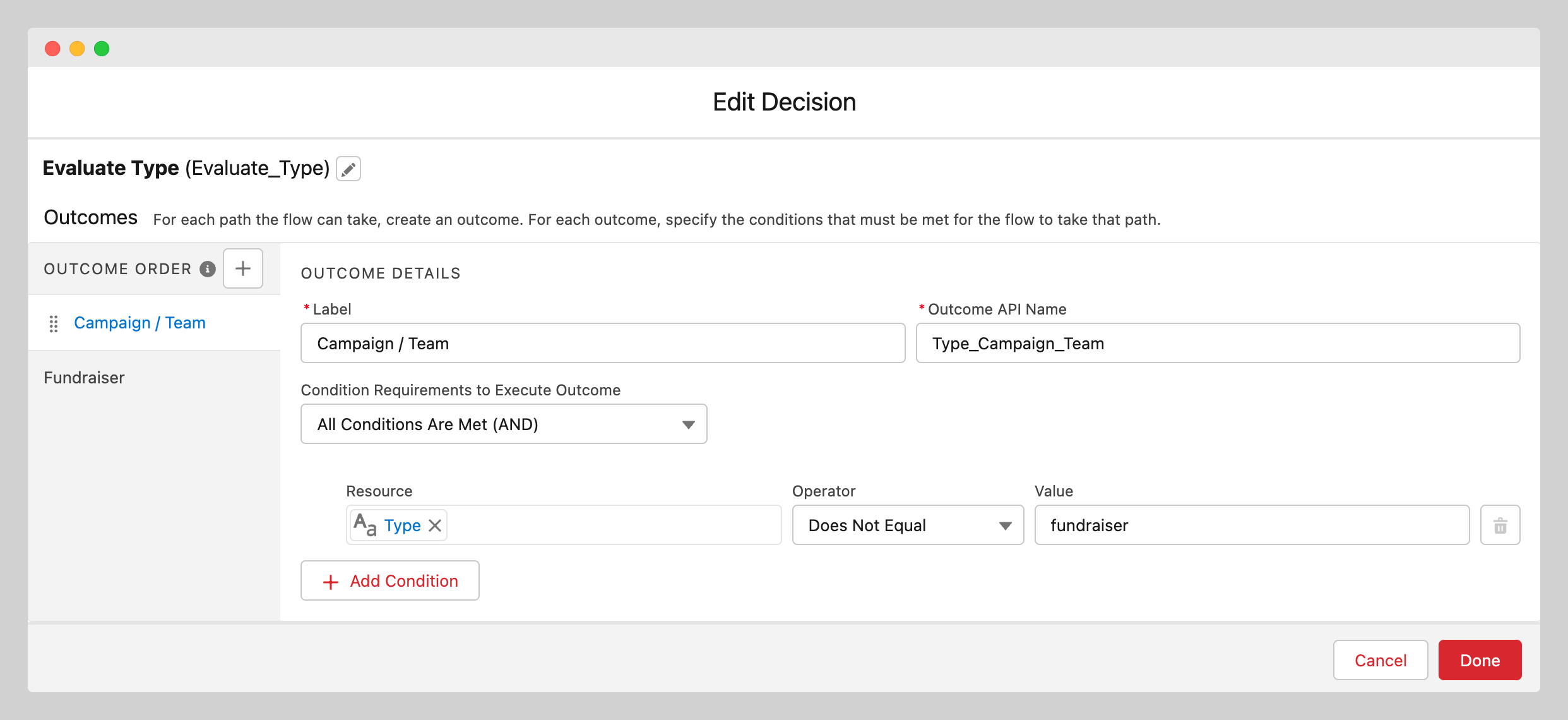
If Type equals fundraiser, the flow overrides the SObject and remaps the metadata. Otherwise, the extension flows continue with their default behaviour.
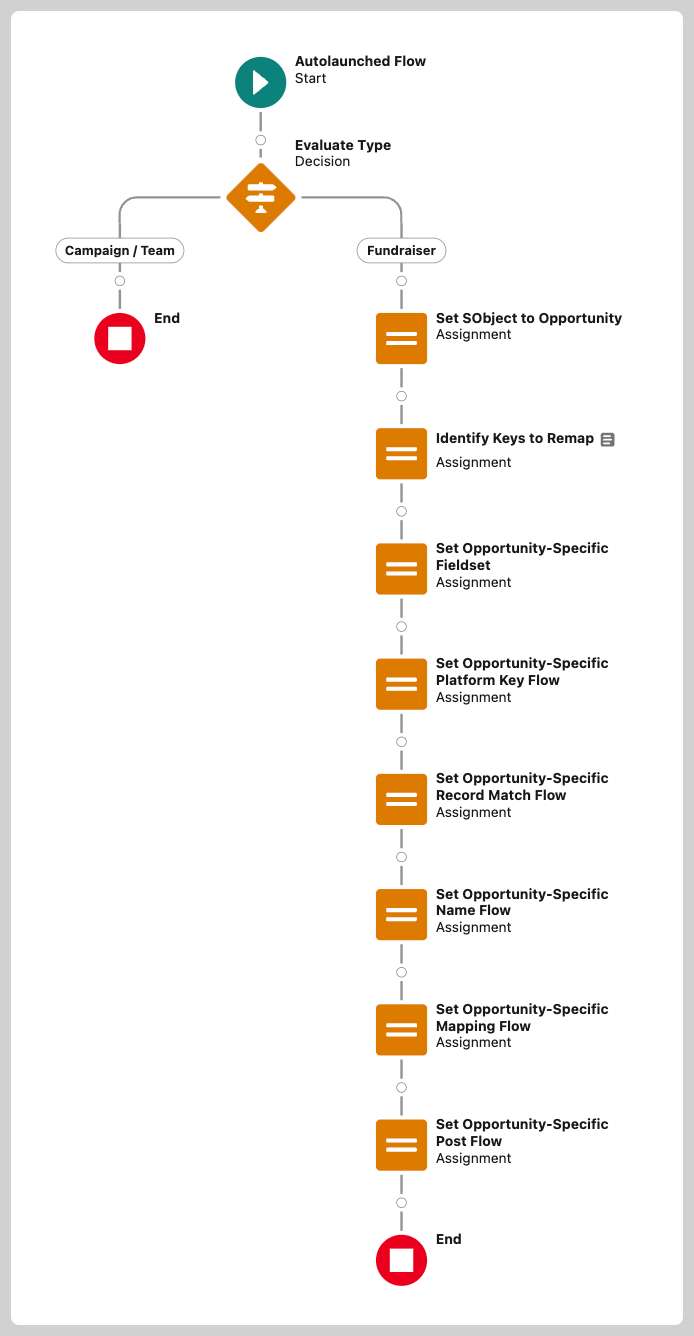
Set the SObject type#
When the condition is met, set the output-enabled Text variable Result to the API name of the replacement object.
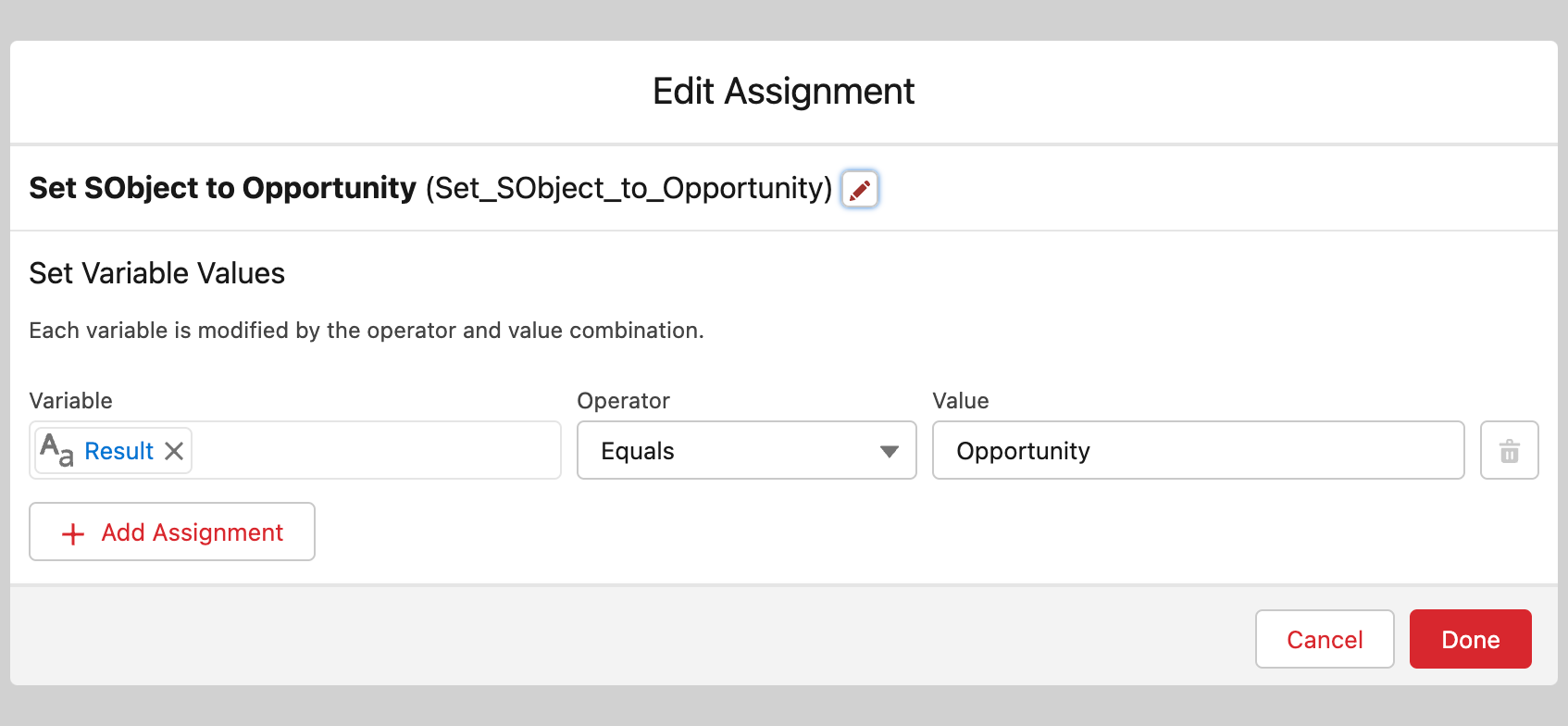
Use the API name of the object:
- Standard objects:
Opportunity - Custom objects:
Fundraiser__c - Namespaced custom objects:
npsp__Fundraiser__c
Remap the pipeline metadata#
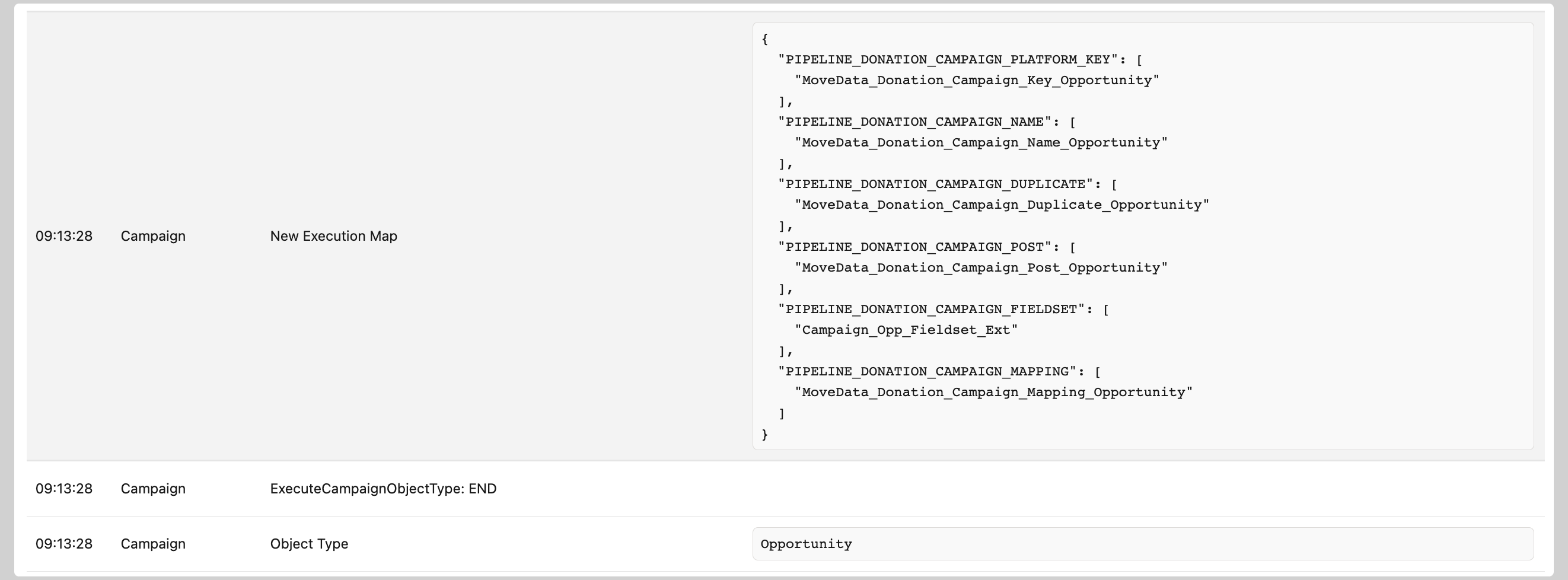
MoveData uses pipeline metadata entries to determine which flows to execute during each phase. When you change the SObject type, you must also remap these metadata entries to point to flows that work with the new object. If you send the wrong SObject type to the existing extension flows, processing will fail with a critical error.
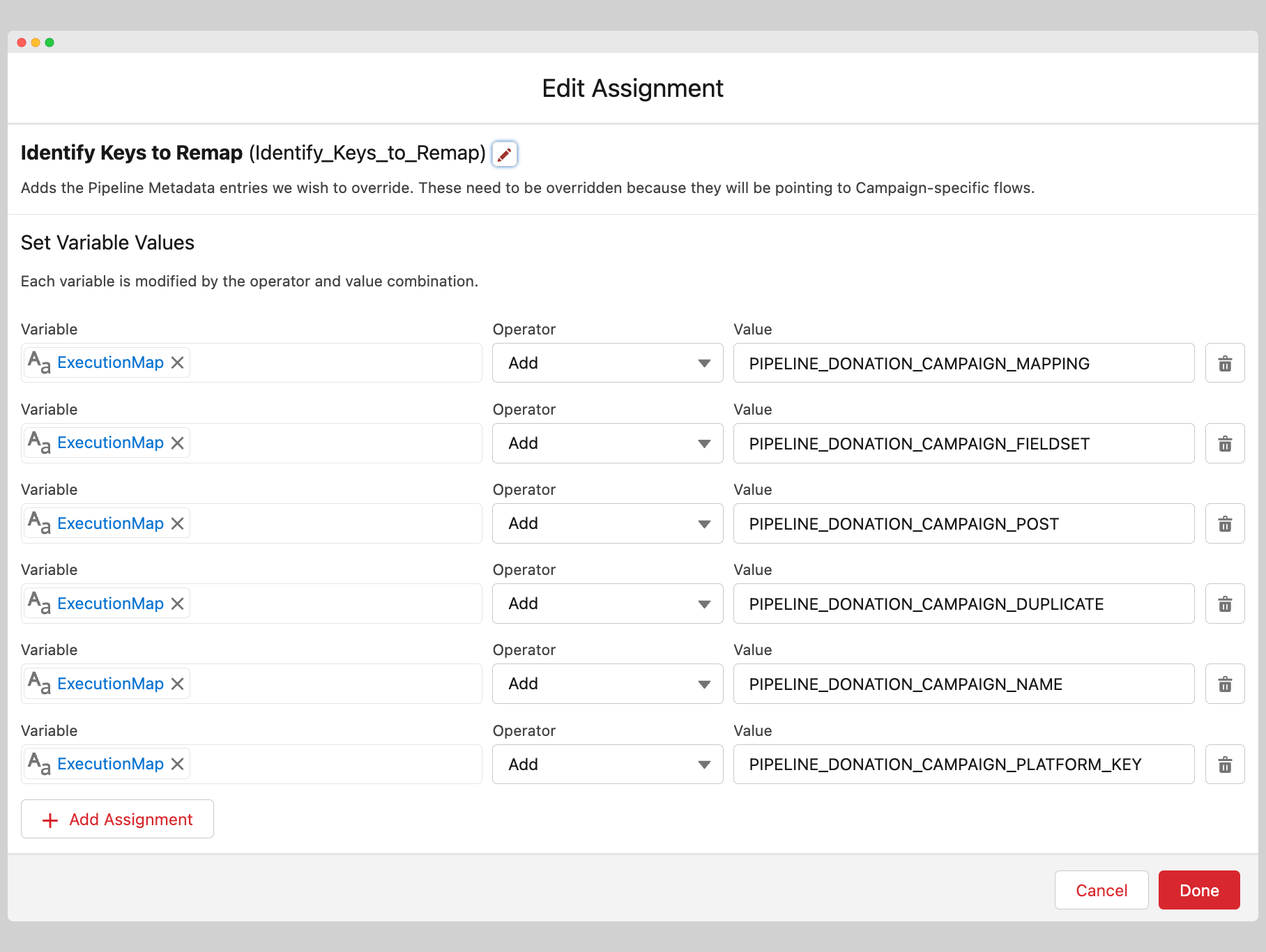
Create an output-enabled Text collection variable named ExecutionMap containing the replacement metadata keys. Each key also needs its own output-enabled Text collection variable.
The six metadata entries to remap for the Campaign phase are:
Campaign Fieldset
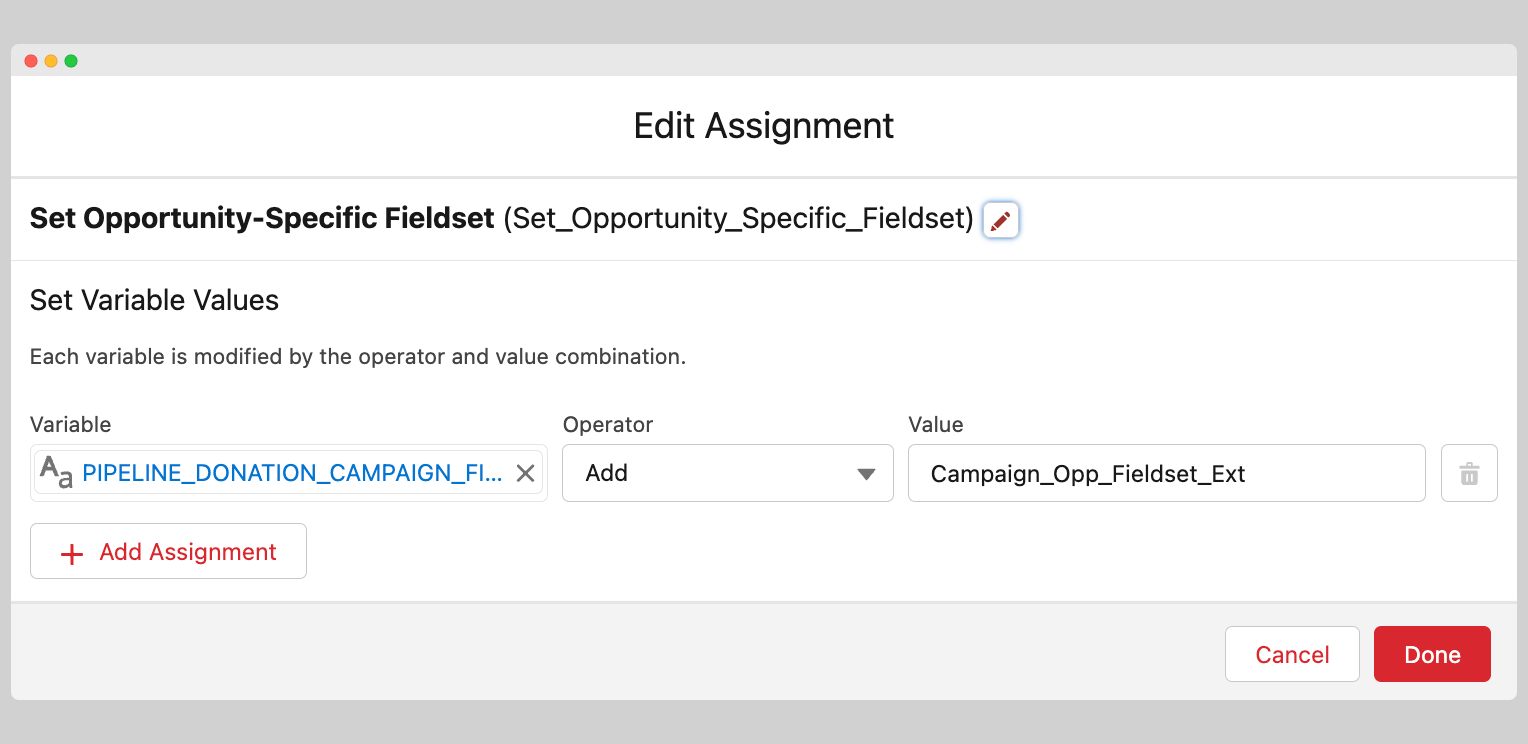
- Variable:
PIPELINE_DONATION_CAMPAIGN_FIELDSET(output-enabled Text collection) - Value: the API name of the fieldset on the replacement object
- Purpose: defines the fields required by the new flows
Campaign Platform Key
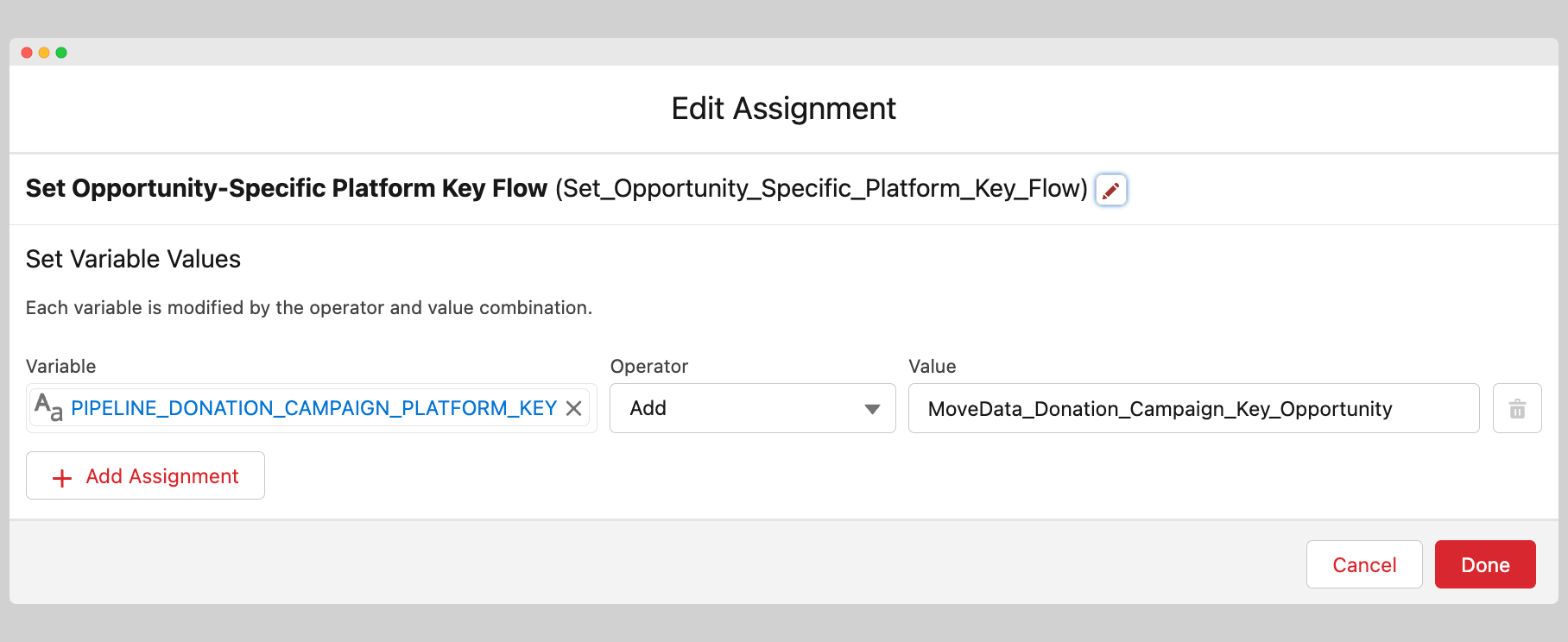
- Variable:
PIPELINE_DONATION_CAMPAIGN_PLATFORM_KEY(output-enabled Text collection) - Value: the API name of the replacement Platform Key flow
- Purpose: returns the unique identifier for the record
Campaign Record Match
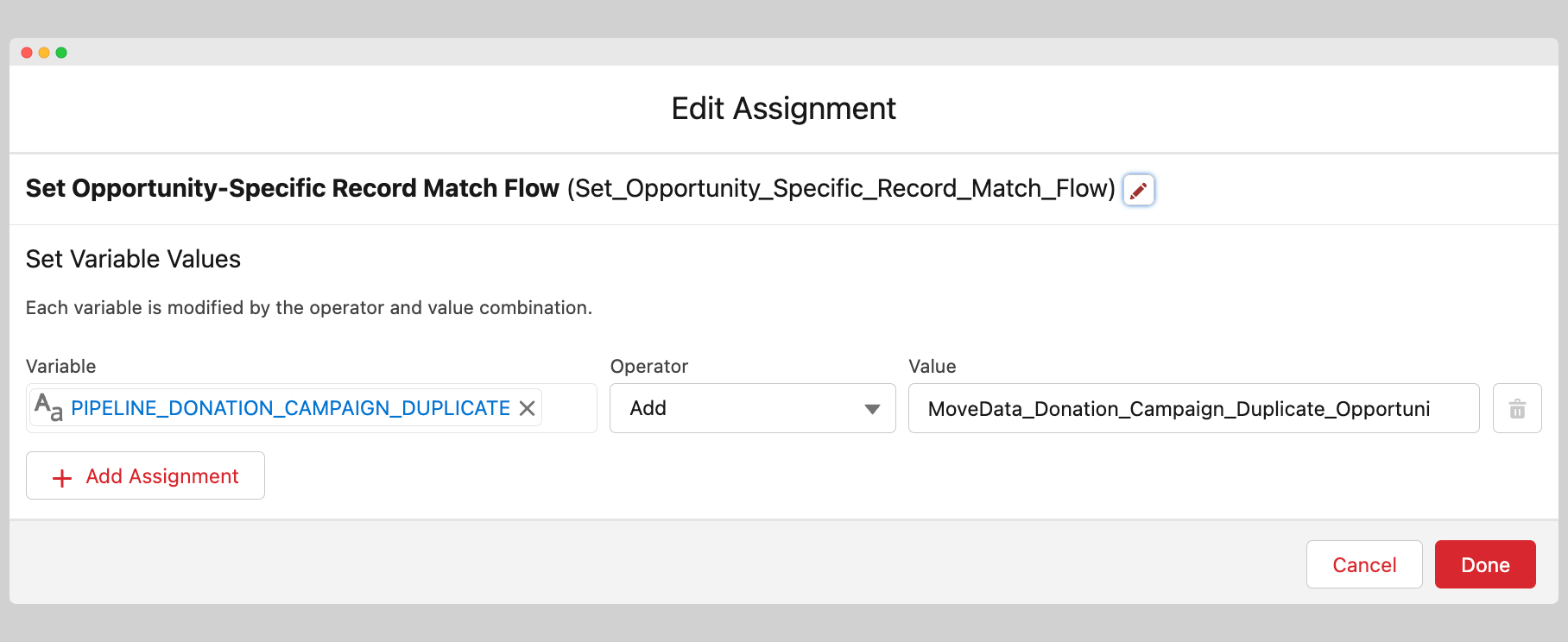
- Variable:
PIPELINE_DONATION_CAMPAIGN_DUPLICATE(output-enabled Text collection) - Value: the API name of the replacement Record Match flow
- Purpose: returns the Salesforce ID for any matched record
Campaign Name
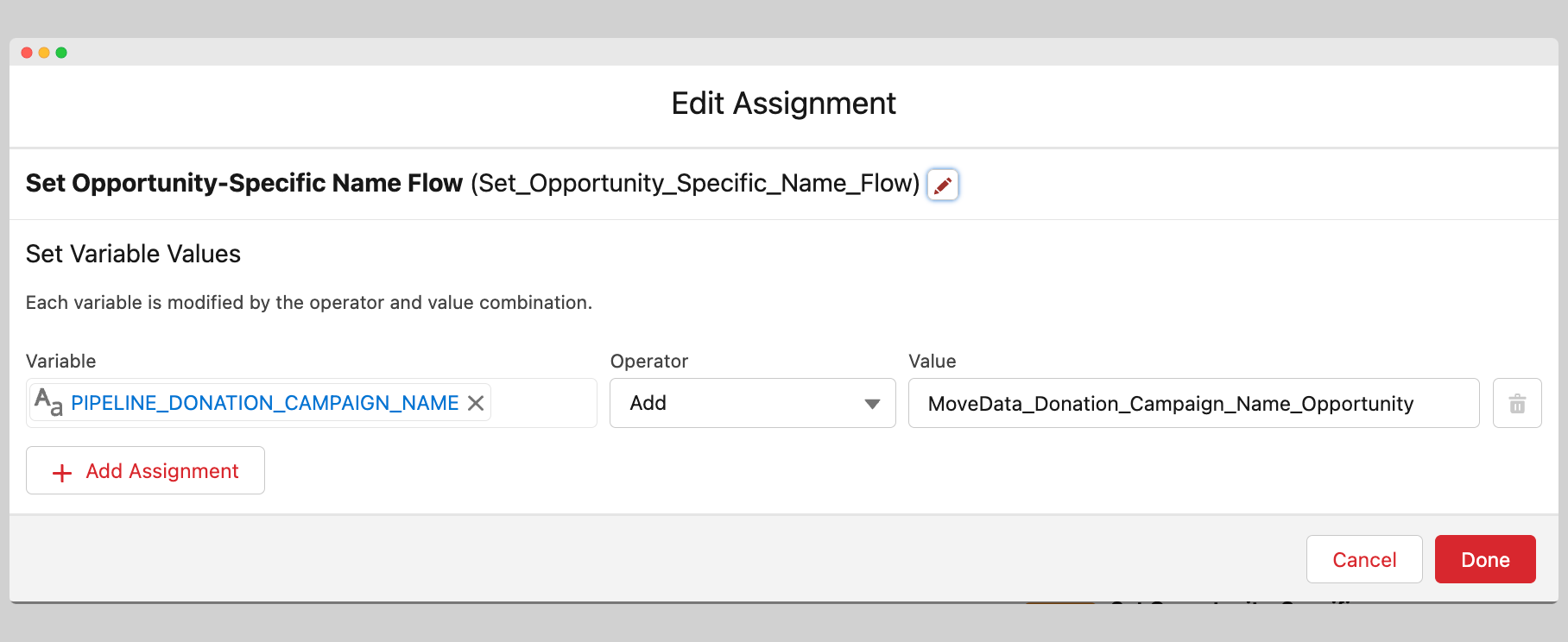
- Variable:
PIPELINE_DONATION_CAMPAIGN_NAME(output-enabled Text collection) - Value: the API name of the replacement Name flow
- Purpose: returns the name used by the mapping and post-upsert flows
Campaign Mapping
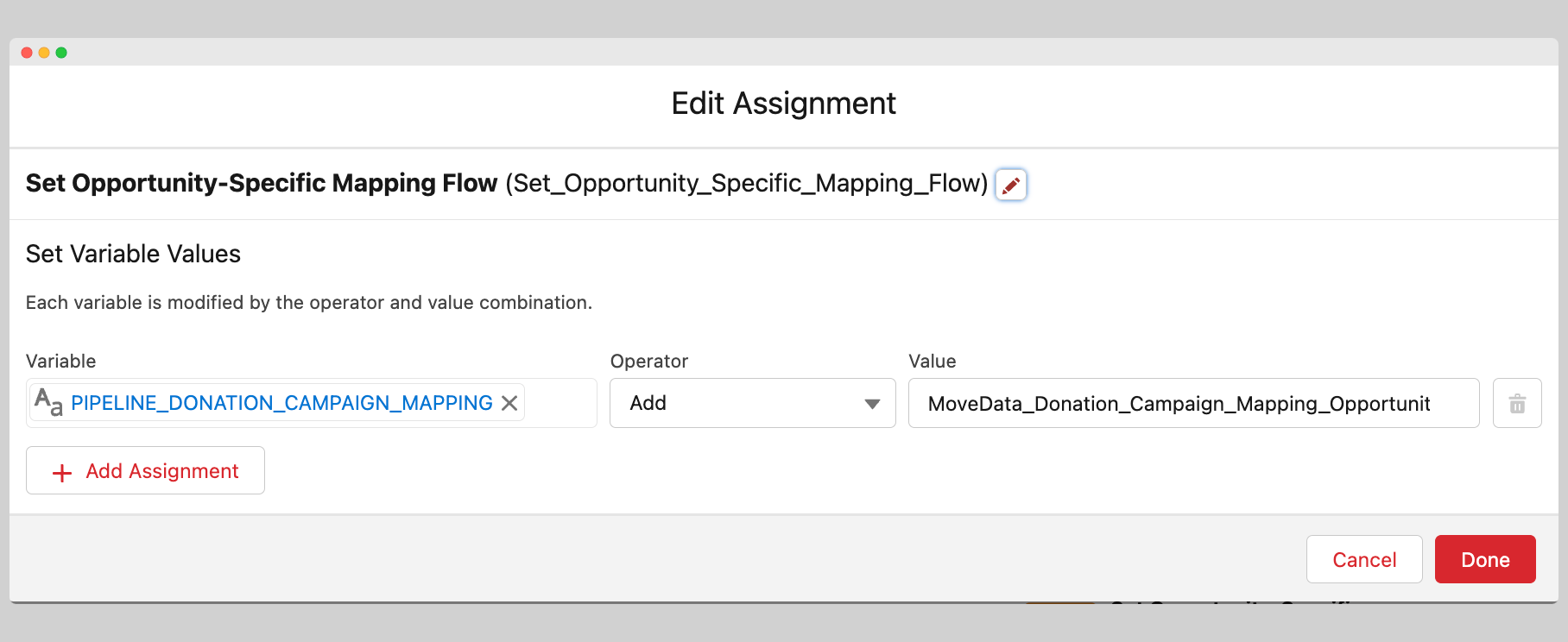
- Variable:
PIPELINE_DONATION_CAMPAIGN_MAPPING(output-enabled Text collection) - Value: the API name of the replacement Mapping flow
- Purpose: returns the record to be created or updated with mapped data
Campaign Post Upsert
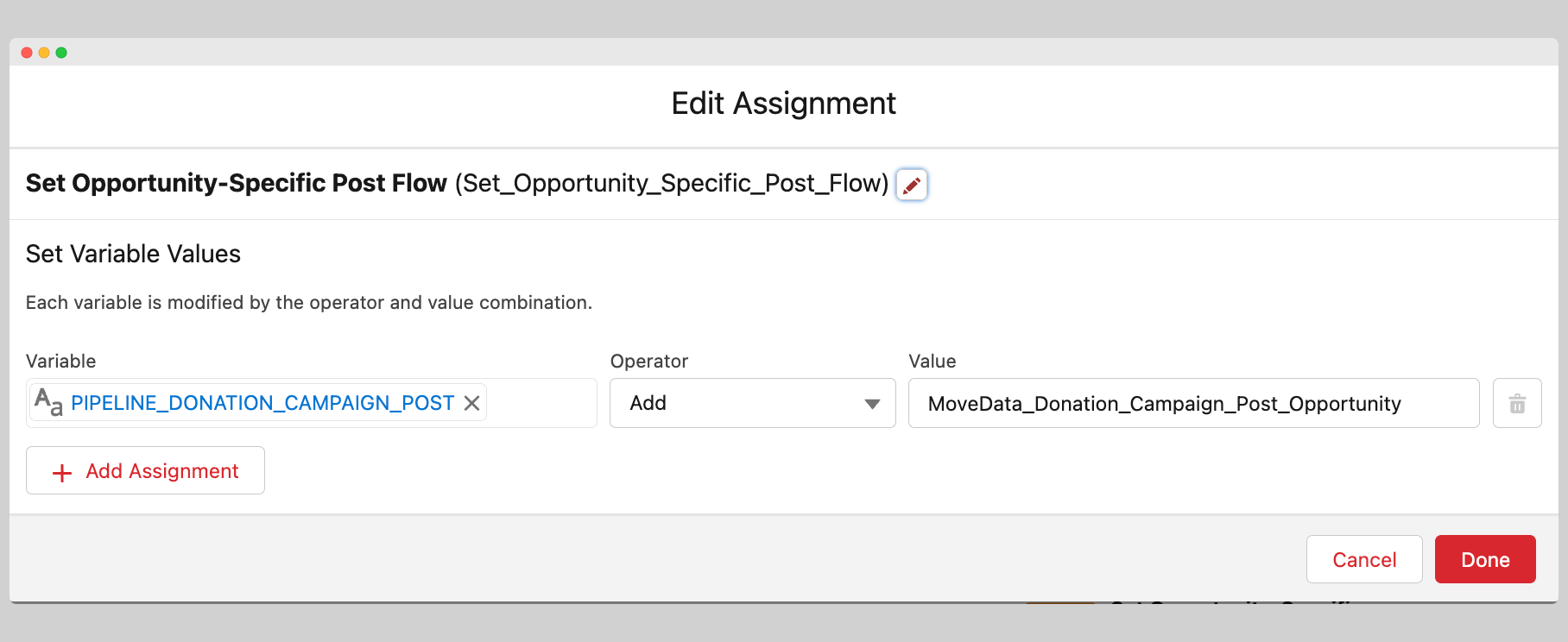
- Variable:
PIPELINE_DONATION_CAMPAIGN_POST(output-enabled Text collection) - Value: the API name of the replacement post-upsert flow
- Purpose: performs any post-upsert actions
Success
To remove a metadata entry without replacing it, add the key to the ExecutionMap collection but leave the value field empty.
You must create the fieldset and flows referenced above — the values shown are for reference only.
Step 2 — Register the SObject flow#
Register the new flow as a pipeline metadata entry so MoveData knows to execute it during the Campaign phase.
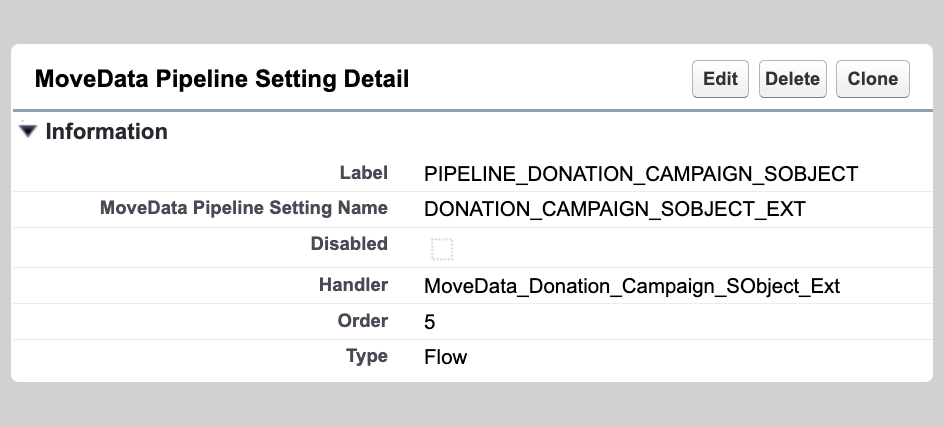
Create a new entry in the MoveData Pipeline metadata settings with the following values:
| Field | Value | Notes |
|---|---|---|
| Label | PIPELINE_DONATION_CAMPAIGN_SOBJECT |
MoveData uses this exact key to locate the entry |
| MoveData Pipeline Setting Name | Any descriptive name | Not consumed by MoveData |
| Handler | API name of your flow | The flow created in Step 1 |
| Sort Order | Any number | Only matters if multiple flows set the SObject type. Default MoveData flows use 5 |
| Type | Flow |
Step 3 — Verify the result#
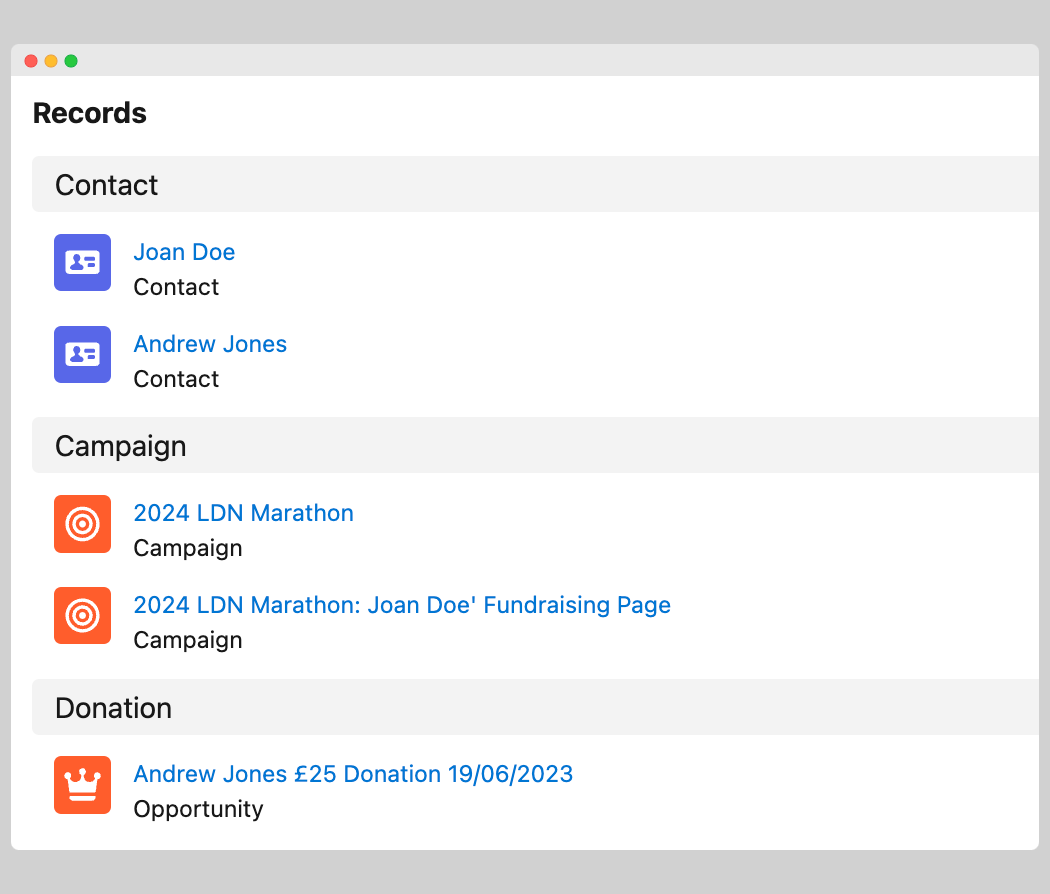
After registering the flow, process a notification that includes a fundraiser campaign to confirm the SObject type has changed.
Before SObject type change:
After SObject type change:
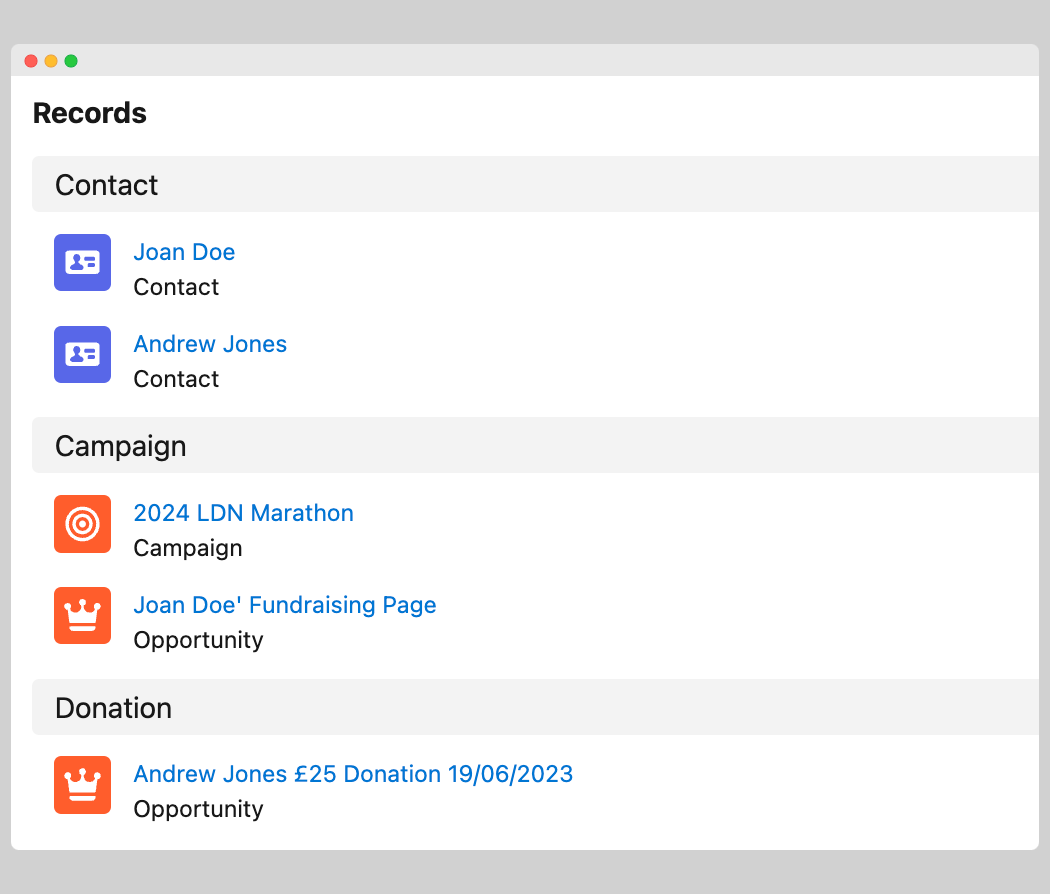
The execution log confirms the SObject types for each campaign entry: